The technical setup behind this blog is is incredibly effective in my opinion.
When I want to add a new post, all I need to do is to log into my Github account, create a new markdown file in a certain directory of my blog repository and commit it to main.
Apparently, I could do this from the Github app on my phone - although I didn’t test it as it didn’t seem obvious to me if this is committing the file right away.
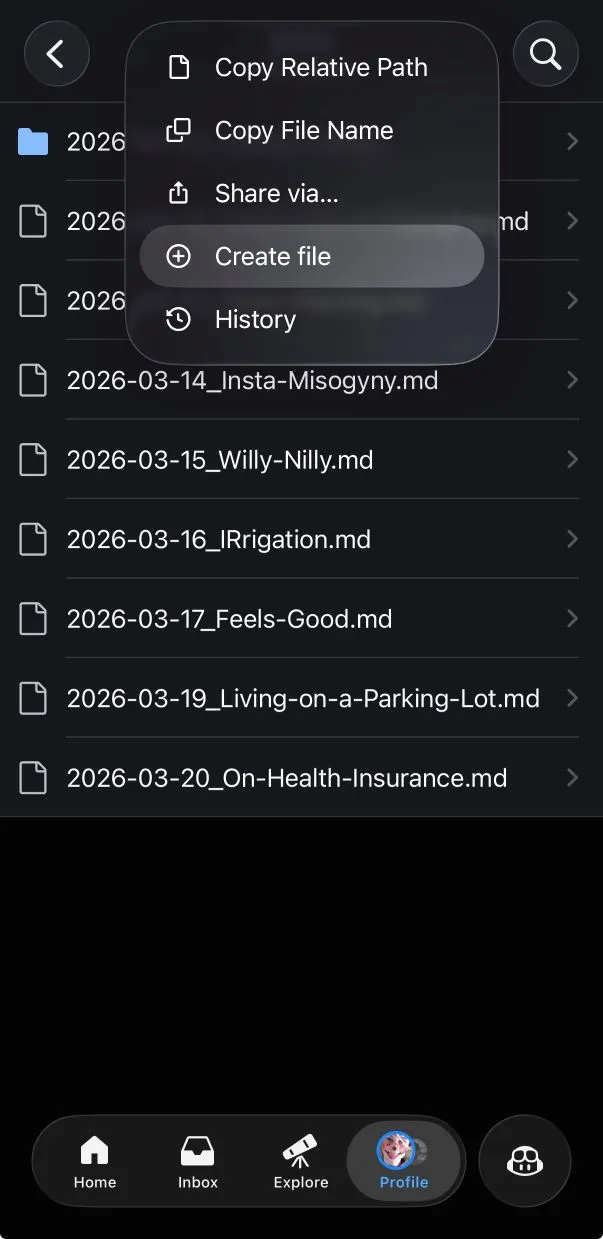
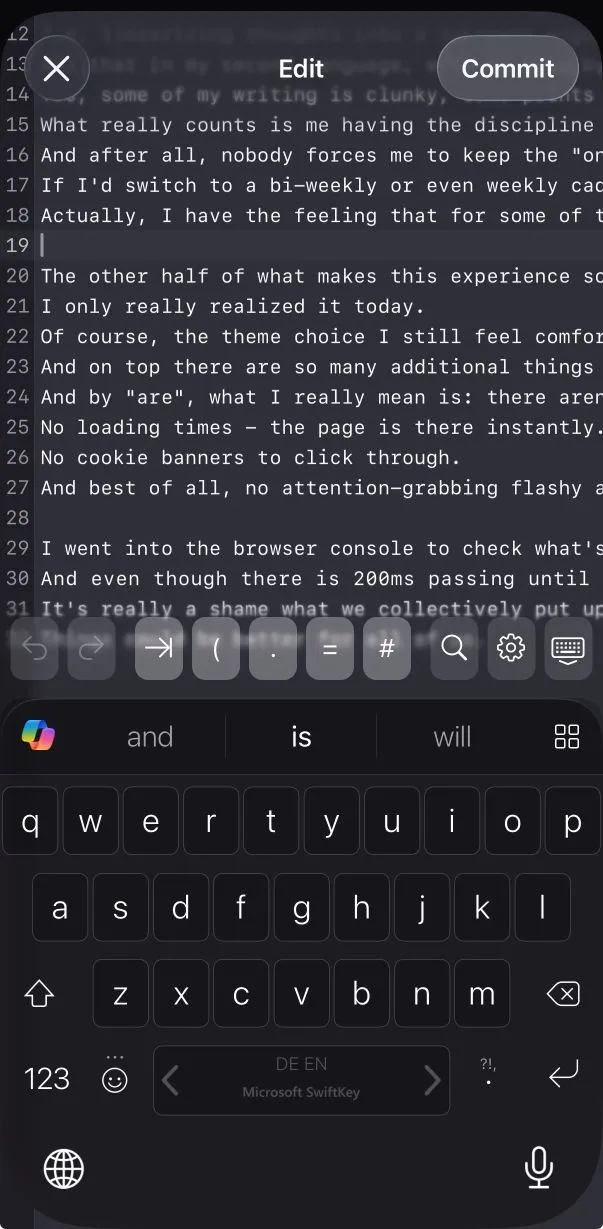
main branch, some simple Github actions workflow is run to have the static site generator (Astro) do its thing and deploy the result on Github pages.
I don’t even have to worry about the SSL certificate for the webpage, as Github is taking this over for me as well.
Did I mention yet that my blog has a commenting feature that is using Github discussions in the background?
That is powered by the excellent Giscus.app.
I don’t have to worry about the server side of hosting this blog one bit - everything is being taken care of by Github.
And the craziest of all things is:
It’s absolutely free.
Yes, this won’t come as news to my technically versed readers. But I wanted to contrast this to what I was considering to do before landing on this solution. I don’t think I would have if it wasn’t for a very dear colleague of mine. I’ve been paying my hosting provider for a very long time now for two different services:
- The domain hallobitte.com
- A Virtual Private Server (VPS) that I shared with a friend from university
So when earlier this month I decided to start blogging, my instinct was to make use of both. The only issue was: I absolutely dreaded getting familiar with the state of my v-server again. Back when we set this up, I was a nerdy student with lots of time. So of course I went with the same Linux distribution I used on my laptops and desktops: Arch. Because nobody got time to go through a major version upgrade every one or two years, am I right? Unfortunately, I made a couple of mistakes:
- Early on, I installed Gitlab on this VPS. Not in docker like a sane person. But using AUR build scripts instead. This basically taught me that software updates needed to be supervised, because something about this setup would break almost every single time I did an update.
- So I never set up automatic updates. AND I didn’t really like doing them regularly. So of course I fell behind “quickly”. Right now, this VPS has an uptime of more than 1500 days(!!!). People using Arch Linux likely know that, at this point, one just cannot update any more to latest packages. Doing a full reinstall is the most time-effective solution here.
- Unfortunately, as I am sharing the VPS with a friend, I can’t just wipe everything and start from scratch. My choice of Arch Linux always meant I would be doing the base system administration as he mostly works with Debian/Ubuntu servers professionally and otherwise stays in Windows where possible.
Something had to be done to get out of this whole mess and towards something better™. But what would that be? Well, ideally a Debian base, of course. And the other thing I wanted was visibility for our individual deployments and entailing configuration changes for shared resources. Put more simply, I wanted to have a web ui to configure what had been nginx config file changes and systemd units in our existing server. Because at the end of the day, all we want to do is have some things in auto-start that get properly exposed exposed on the internet, either multiplexed via http or via port mappings. I asked an LLM if there was a solution for this and it told me to have a closer look at coolify. While I found it a bit off-putting to see that this was written in php, I guess it would have fit the bill? But then I’d have needed to solve getting my blog’s markdown files into docker containers first I suppose. Possibly not the low-friction entry I was hoping for. I did take the opportunity, though, to dig a bit into the technical terms I wasn’t intimately familiar with that I kept seeing floating around in the docs. For example, one thing I realized is that what we nowadays deploy as containers behind traefic used to be just processes behind fast-cgi. Communication has just shifted from local sockets to http and of course we have better isolation and possibly scaling options. But in my VPS use case, it’s pretty much that. I think the effect that understanding this had on me wasn’t much other than just feeling old. Oh well.
Today, I shared my blog with another colleague at work. You should check him out. One thing he was reminded of reading my earlier post Feels Good was this old but great post by James Somers. It made me think whether I’d ever had gotten to anything resembling a blog with posts if I had pursued my impractical initial ideas. I am grateful it has turned out the way it has. I want to say a big Thank You to Benni for pointing out to me that I didn’t need any of the VPS shenanigans I outlined above - I couldn’t be happier with the setup I have now.
While I’m at it, I also want to thank Stel Clementine for sharing her blog’s template open source. We don’t know each other. But your work was the second biggest factor to get this blog off the ground to my satisfaction in an incredible small amount of time.